





Wealth Phantom Platform Review – Legit Trading App or Scam?

Wealth Phantom markets itself as an automated bridge between everyday traders and fast-moving financial markets. Instead of manually staring at price charts all day, users are promised an algorithmic system that scans price movements, flags potential setups, and places trades automatically.
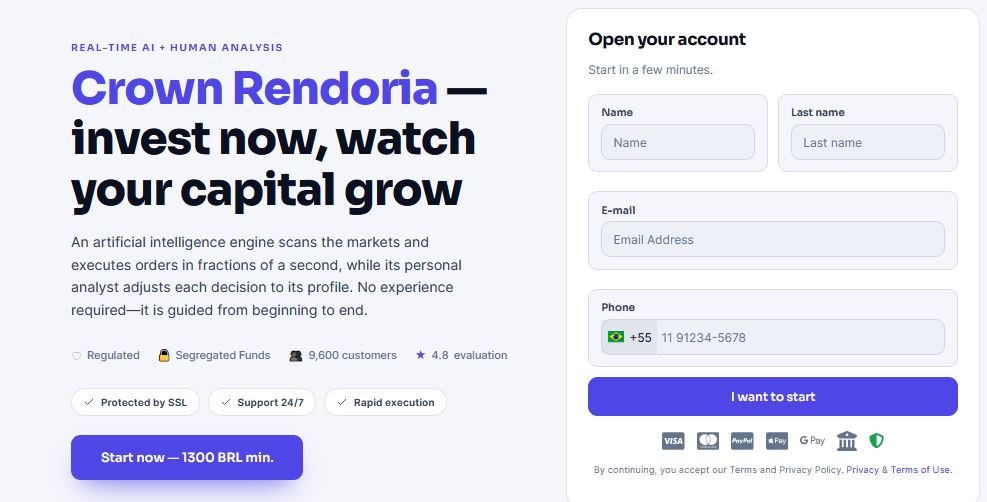
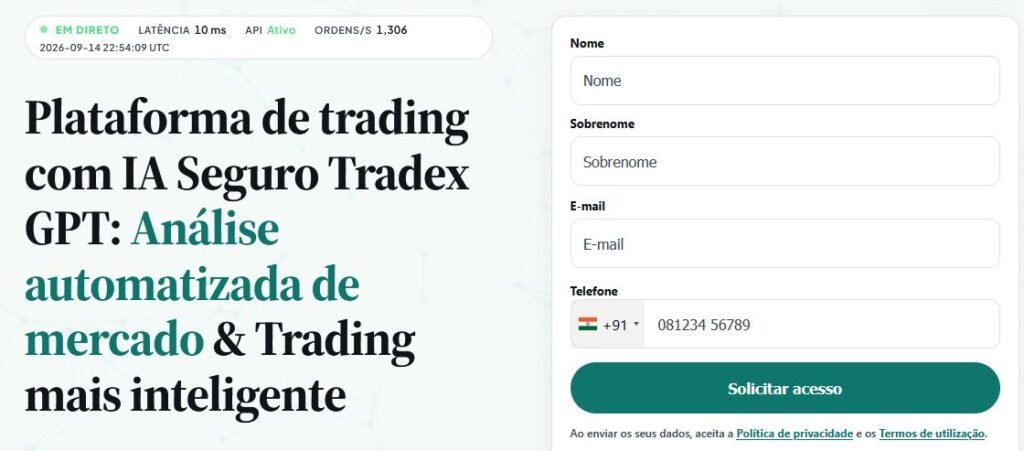
To understand what you are actually signing up for, look past the promotional landing pages. Wealth Phantom is not a standalone brokerage, nor is it a spot cryptocurrency exchange where you buy and hold actual coins. It operates as an algorithmic lead-generation portal. When you submit your details, the system pairs you with an offshore or regional third-party broker. That external broker holds your deposited capital, executes your orders, and provides the underlying leverage.
Because marketing claims in the automated trading space routinely outpace ground reality, this review breaks down how the tool works, what it costs, the risks involved, and whether it deserves a place in your trading toolkit.
What Is the Wealth Phantom Platform?
Wealth Phantom is a browser-accessible trading dashboard designed to track shifts in cryptocurrencies, forex pairs, and commodities. The service is built for individuals who find technical indicators like MACD or Bollinger Bands intimidating, offering an interface that handles market tracking without requiring custom coding.
Behind the frontend, corporate details are minimal. The website provides no named leadership team, no verifiable executive roster, and no registered headquarters address. In practice, Wealth Phantom functions as the marketing and analytical frontend, while assigned partner brokers take on the role of trade matching, account custody, and compliance management.
How Does the Wealth Phantom Platform Work?
The workflow operates across distinct steps:
-
Registration: You enter your name, email, and phone number on the official sign-up form.
-
Broker Assignment: The system forwards your contact profile to a partner broker based on your region.
-
Identity Checks: You complete the assigned broker’s Know Your Customer (KYC) protocol, which typically requires submitting a government ID and proof of residence.
-
Funding: You make an initial deposit—held directly with the broker, not Wealth Phantom.
-
Strategy Configuration: You set exposure limits, select your target assets, and decide between automated execution or manual alerts.
-
Order Execution: When set to automated, the platform’s algorithms send buy or sell instructions straight to the broker’s platform via API.
Turning on automation does not protect you from downswings. If market momentum suddenly breaks the other way, automated orders will execute the loss just as quickly as a human trader.
Wealth Phantom Trading Features
-
Automated Trend Tracking: The system scans live asset feeds for volume spikes and momentum shifts. While marketing copy labels this advanced artificial intelligence, it generally relies on established mathematical models and algorithmic indicators.
-
Manual and Automated Modes: You can let the software open positions on autopilot or configure it to notify you when a signal triggers, leaving the final call in your hands.
-
Basic Risk Controls: The dashboard includes stop-loss and take-profit fields alongside maximum trade-size throttles. Setting these strictly is vital to protect your account.
-
Practice Trading: Some partner brokers offer a demo environment with virtual funds, allowing you to test system behavior before putting real money on the line.
-
External Broker Integration: Because trades execute on partner systems, leverage ratios, available assets, and swap rates are dictated by the external brokerage rather than Wealth Phantom itself.
Wealth Phantom Technical Details
| Specification | Information |
| Platform Type | Automated signal router and broker gateway |
| Claimed Technology | Algorithmic market modeling |
| Standard Minimum Deposit | $250 (set by the assigned broker) |
| Software License Fee | $0 (No upfront software fee) |
| Demo Mode | Dependent on the assigned broker |
| Access Methods | Mobile and desktop web browsers |
| Supported Markets | Crypto CFDs, Major/Minor Forex, Indices, Commodities |
| Regulatory Status | Software is unregulated; licensing depends on the partner broker |
Market Coverage
Available trading pairs depend entirely on the brokerage linked to your account. Common categories include:
-
Cryptocurrency CFDs: Popular digital assets like Bitcoin (BTC), Ethereum (ETH), Ripple (XRP), and Solana (SOL), traded against fiat currencies like USD or EUR.
-
Forex Pairs: High-volume foreign exchange markets such as EUR/USD, GBP/USD, and USD/JPY.
-
Commodities & Stock Indices: Contracts for gold, crude oil, and major stock indices like the S&P 500 or DAX.
You are trading derivative contracts based on price fluctuations, not purchasing actual underlying tokens or physical barrels of oil. Direct crypto wallet withdrawals are not supported.
Strengths and Limitations
| Strengths | Limitations |
| Straightforward setup with minimal technical configuration required | No verifiable corporate founders, corporate headquarters, or public filings |
| Combines multiple financial markets inside a single interface | Assigned brokers vary substantially in regulatory standing and licensing quality |
| Built-in stop-loss controls help manage position exposure | Advertised accuracy rates cannot be independently verified with live audits |
| Allows hands-off order execution for busy traders | Lacks the deep technical charting toolsets favored by professional analysts |
What Makes the Platform Different?
Traditional algorithmic setups, such as coding an Expert Advisor inside MetaTrader, demand programming knowledge or manual backtesting. Wealth Phantom replaces that barrier with a streamlined web interface. You adjust basic sliders for trade sizes and loss boundaries, and the underlying system handles signal timing.
The software also brings volatile crypto pairs and traditional FX setups into one screen, sparing you the hassle of maintaining separate accounts across multiple specialized exchanges.
How to Get Started with the Wealth Phantom Platform
-
Sign Up on the Site: Head to the official portal and fill in your basic contact information.
-
Finish Verification: Follow the link to your assigned broker and upload your ID documents to satisfy standard identity compliance checks.
-
Try the Demo Account First: If the broker provides a simulated balance, run the platform on test data to see how quickly orders fill.
-
Fund the Minimum: Deposit the standard $250 starting capital using a debit card, bank transfer, or supported online payment method.
-
Set Firm Boundaries: Configure tight stop-loss points and limit how much balance can be placed into any single trade.
-
Monitor System Activity: Start automated trading, but keep an eye on your open positions rather than leaving the system unattended.
Key Risks to Keep in Mind
-
Leverage Dangers: CFDs typically use leverage. While this amplifies gains on winning setups, even a tiny price drop can wipe out your active margin.
-
Slippage and Volatility: In choppy markets, automated orders can fill at prices worse than the initial trigger signal, eating into expected margins.
-
Third-Party Custody: Your deposit sits with the assigned brokerage. If that firm lacks tier-one licensing or faces financial instability, retrieving your money can turn into an uphill battle.
-
Blind Algorithmic Trust: Algorithms rely on historical patterns. Unscheduled macroeconomic announcements or sudden geopolitical events can throw automated logic off balance.
Practical Mistakes to Avoid
-
Depositing Too Much on Day One: Stick to the minimum entry requirement until you have verified deposit speeds, trade execution, and withdrawals firsthand.
-
Skipping the Demo Run: Jumping straight to real capital without testing the interface increases the risk of setting accidental position sizes.
-
Believing Flashy Marketing Claims: Software tools cannot forecast the future. Treat promotional claims about high win rates with healthy skepticism.
-
Leaving Positions Unchecked: Check your dashboard at least once a day to verify that automated settings remain aligned with current market conditions.
Checklist Before You Deposit
-
Confirm that your assigned broker holds a valid license with a recognized financial regulator.
-
Double-check that you are accessing the legitimate website URL rather than a clone portal.
-
Read through the broker’s withdrawal policies, minimum payout thresholds, and processing timelines.
-
Verify that stop-loss and take-profit mechanisms work predictably within your user console.
-
Only commit capital you are fully prepared to lose in speculative trading.
Is the Wealth Phantom Platform Legit?
Wealth Phantom is best understood as a commercial marketing and technology funnel that connects retail users to external CFD brokers. It is not an outright fake platform that takes your deposit directly, but its operating model calls for caution.
The company offers little transparency regarding who owns it or where its development team works. Marketing campaigns for these types of software funnels often rely on hyped-up language regarding success rates. Its legitimacy for an individual trader largely depends on the specific broker matched to your account. If the assigned firm is regulated and responsive, the service can work as described; if paired with an unvetted offshore entity, resolving account disputes becomes difficult.
Is the Wealth Phantom Platform Safe?
Platform safety comes down to two separate factors:
-
System Security: The website uses standard SSL encryption to protect user data during account creation and login. Platform firewalls and account credentials guard your personal information.
-
Capital Security: Financial markets carry inherent risk. No automated bot can shield you from bad trades, unexpected volatility spikes, or broker insolvency. Capital put into leveraged CFD trading is entirely exposed to market loss.
Who Might Find the Platform Useful?
-
Traders who want a hands-off, automated setup without dealing with complex algorithmic scripts.
-
Individuals interested in trading both crypto and forex from one simplified account.
-
Users looking to trade with modest sums while leaning on automated stop-loss tools.
Who Should Look Elsewhere?
-
Long-Term Crypto Investors: Anyone who wants to buy and transfer actual Bitcoin or Ethereum to a personal hardware wallet.
-
Professional Day Traders: Experienced traders who demand deep market-depth data, sub-second execution speeds, and direct MetaTrader or TradingView integration.
-
Traders in Strictly Restricted Regions: Residents of areas where retail cryptocurrency derivatives and CFDs are explicitly barred by national regulators.
Customer Support
Support depends on what you need help with:
-
Initial Setup Support: Wealth Phantom offers email-based contact forms on its website for general registration inquiries, though response times can be slow.
-
Trading and Account Help: Once your account is active, your primary support channel is the partner broker. Most assigned brokers provide live web chat or telephone support for funding and withdrawal questions.
Mobile Experience
Wealth Phantom does not offer a standalone app on iOS or Android app stores. Instead, the interface runs directly inside modern mobile browsers. The layout scales cleanly to smaller screens, letting you track active trades, alter risk parameters, and check balances on your phone without downloading external software.
Frequently Asked Questions
Q. Is the Wealth Phantom Platform legitimate?
The platform works as an automated software frontend that pairs traders with third-party brokers. It is not an independent financial institution, so you should always check the regulatory status of the broker you are assigned.
Q. How much money do I need to start?
The software itself is free to use, but connected partner brokers typically require a minimum opening deposit of $250 to activate live trading.
Q. Can I withdraw my money whenever I want?
Your money is held by the partner broker, so withdrawal requests go through their portal. As long as you have completed the required identity checks and satisfied account terms, payouts are processed based on the broker’s timeline.
Q. Does Wealth Phantom offer an official mobile app?
No dedicated app exists on the App Store or Google Play. The platform is designed to run directly inside your mobile device’s web browser.
Q. Can the platform guarantee winning trades?
No system can guarantee trading profits. Algorithmic software carries the same market risks as manual trading, and losses can happen rapidly during volatile conditions.
Our Assessment of the Wealth Phantom Platform
The Wealth Phantom Platform delivers an uncluttered, accessible path into automated trading for beginners who want to avoid technical charting and complex manual order entries. Grouping multiple asset classes into one responsive dashboard makes exploring multi-market strategies straightforward.
At the same time, the lack of corporate background information and reliance on third-party brokers demand caution. Because your overall experience depends almost entirely on the regulatory quality of the broker you are assigned, careful due diligence is essential.
If you decide to try the service, treat it with caution: confirm your broker’s licensing, test features using virtual funds if a demo is available, begin with the minimum deposit, and never trade with money you cannot afford to lose.
About The Author